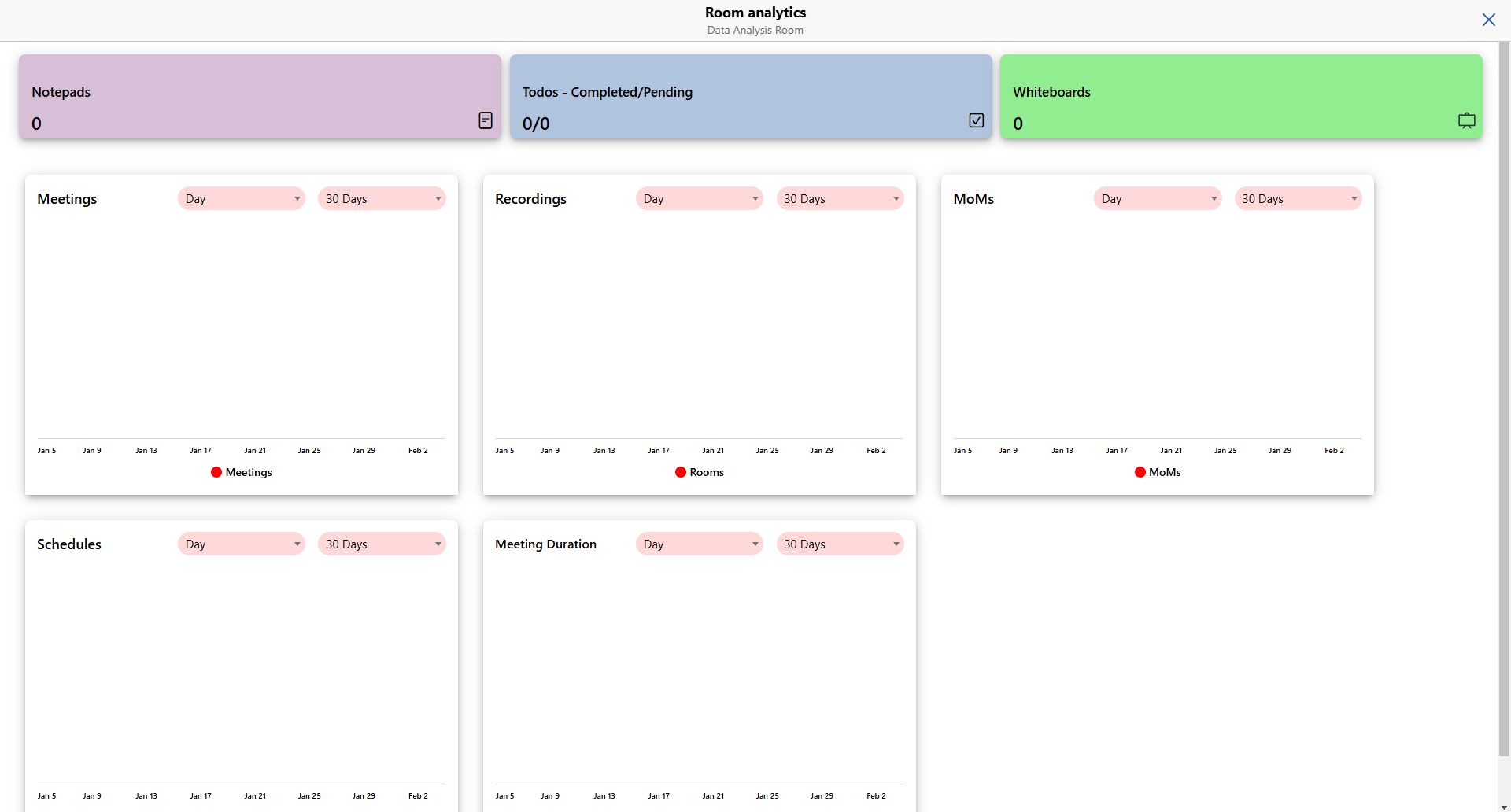
Introduction - Analytics
The Analytics feature in the Qik Office application provides users with valuable insights into their activities within the platform. Acting as a centralized dashboard, it tracks key metrics related to meeting rooms, helping users monitor productivity and optimize collaboration. Key features are listed below:
Notepad
View the total number of notepads created, offering insights into documentation and note-taking habits.
To-Do Lists
Tracks the number of to-dos created and completed, providing a clear view of task management efficiency and completion rates.
Whiteboards
Monitor the usage of digital whiteboards for brainstorming sessions, diagrams, and collaborative sketches.
Schedules
Analyze the number of schedules created to assess scheduling efficiency and identify opportunities for optimizing meeting organization.
Meetings
Lists the total number of meetings conducted, helping users track their meeting frequency and collaboration patterns.
Recordings
Includes the total count and duration of recorded meetings, ensuring that critical discussions are archived for future reference.
Minutes of Meeting (MoMs)
Tracks the number of minutes of meetings (MoMs) generated, ensuring that key decisions and action points are effectively documented.
Meeting Duration
Evaluates the total time spent in meetings, providing a clear picture of time allocation and helping identify opportunities for increased efficiency.
How to view room analytics?
- Go to room and click on More apps.
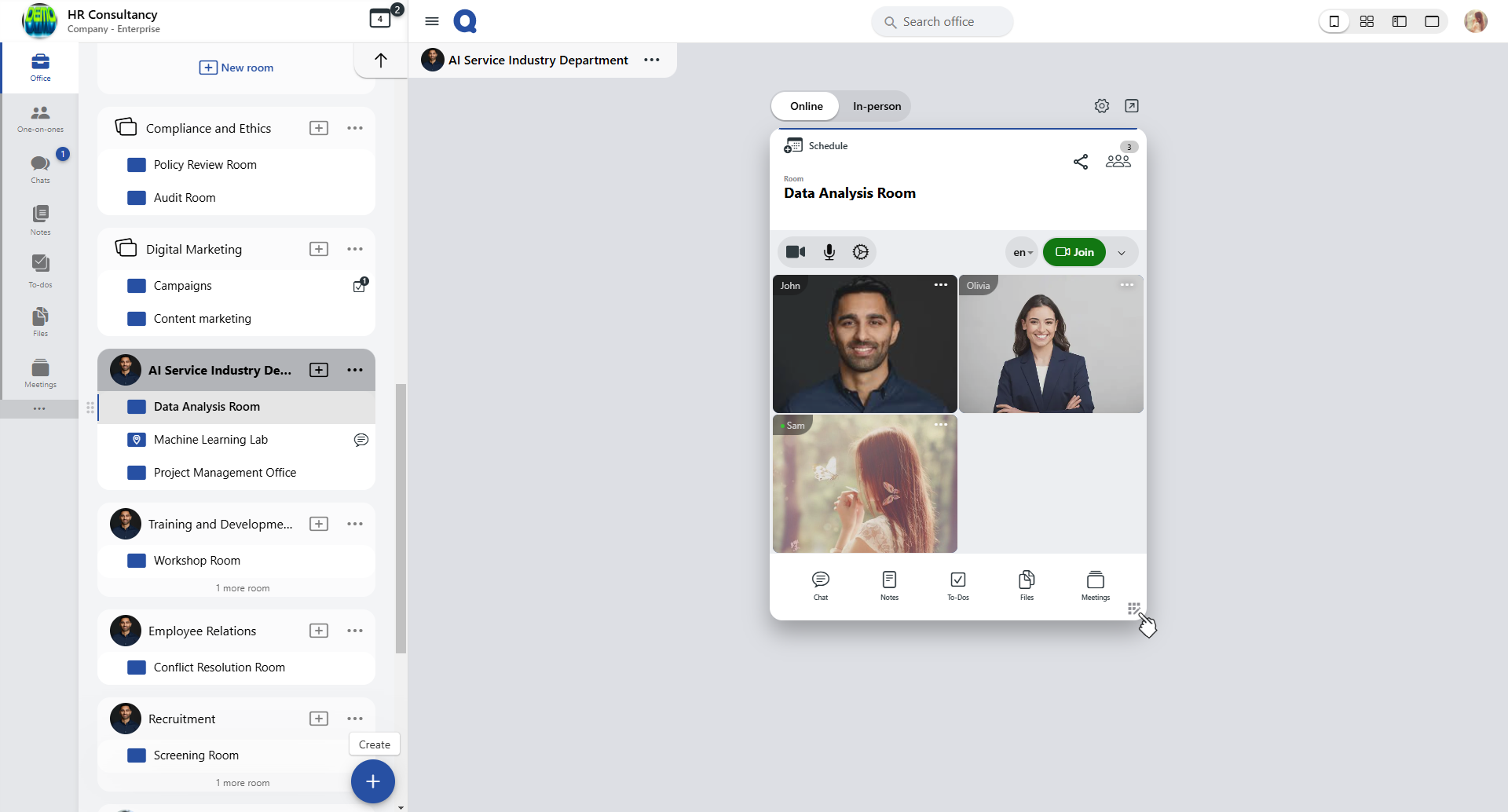
- Inside the room , click on the More Apps option. This will display a list of additional functionalities available for that room.
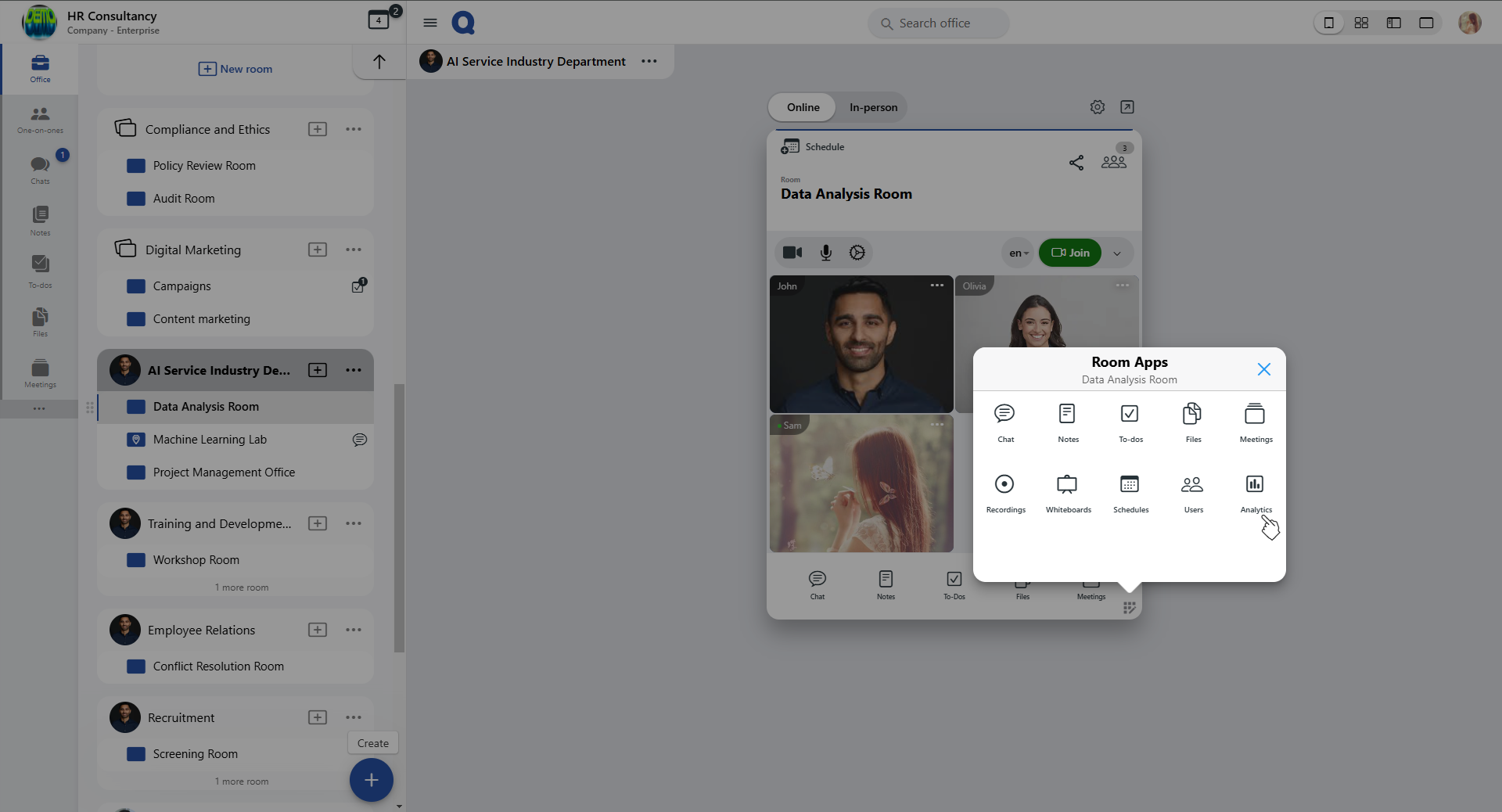
- The "Room analytics" dashboard will open, presenting a comprehensive overview of all meeting-related data.